 Keypeur
Keypeur
Keypeur
Keypeur autofills your passwords, passkeys and 2FA codes on any site: a secure password manager whose vault is encrypted on your device. No account, no cloud, not a single network request.
Free on the Chrome Web Store. No account needed.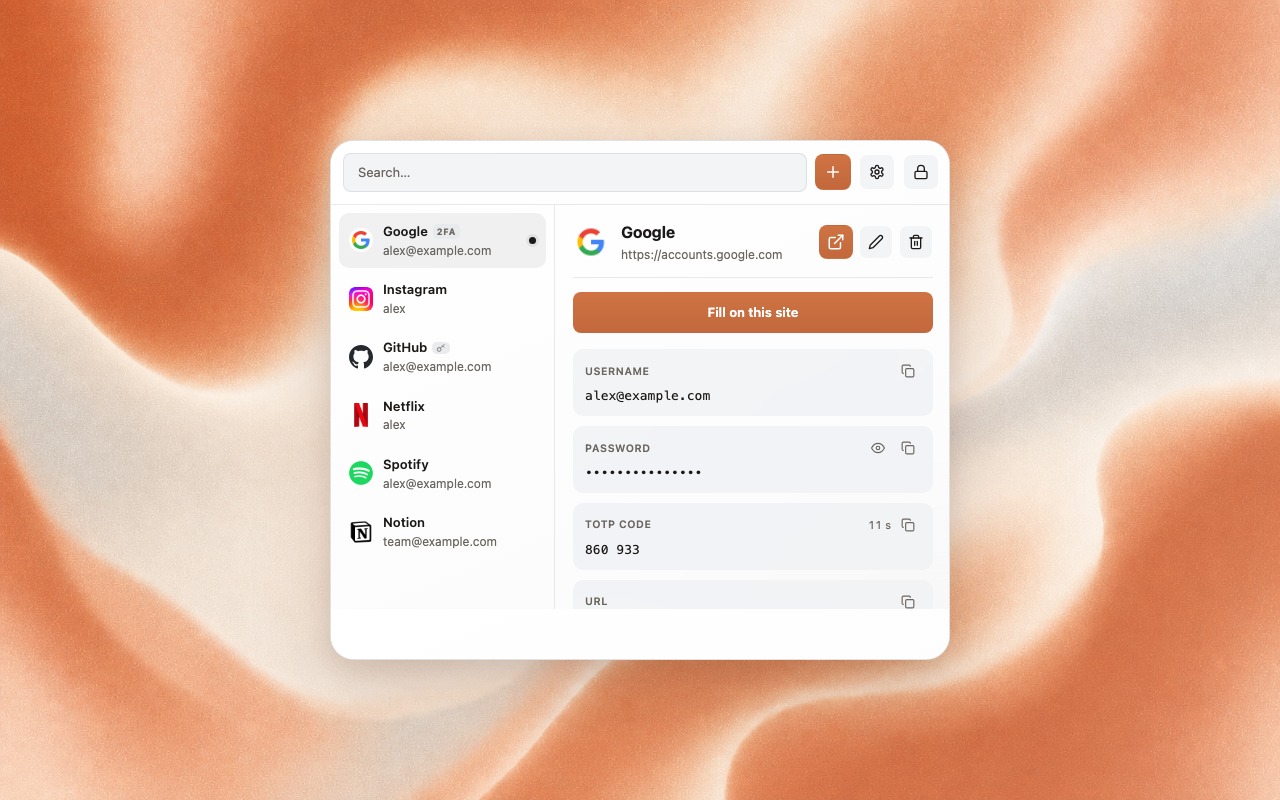
Fill, save, generate and back up: it all stays on your machine.
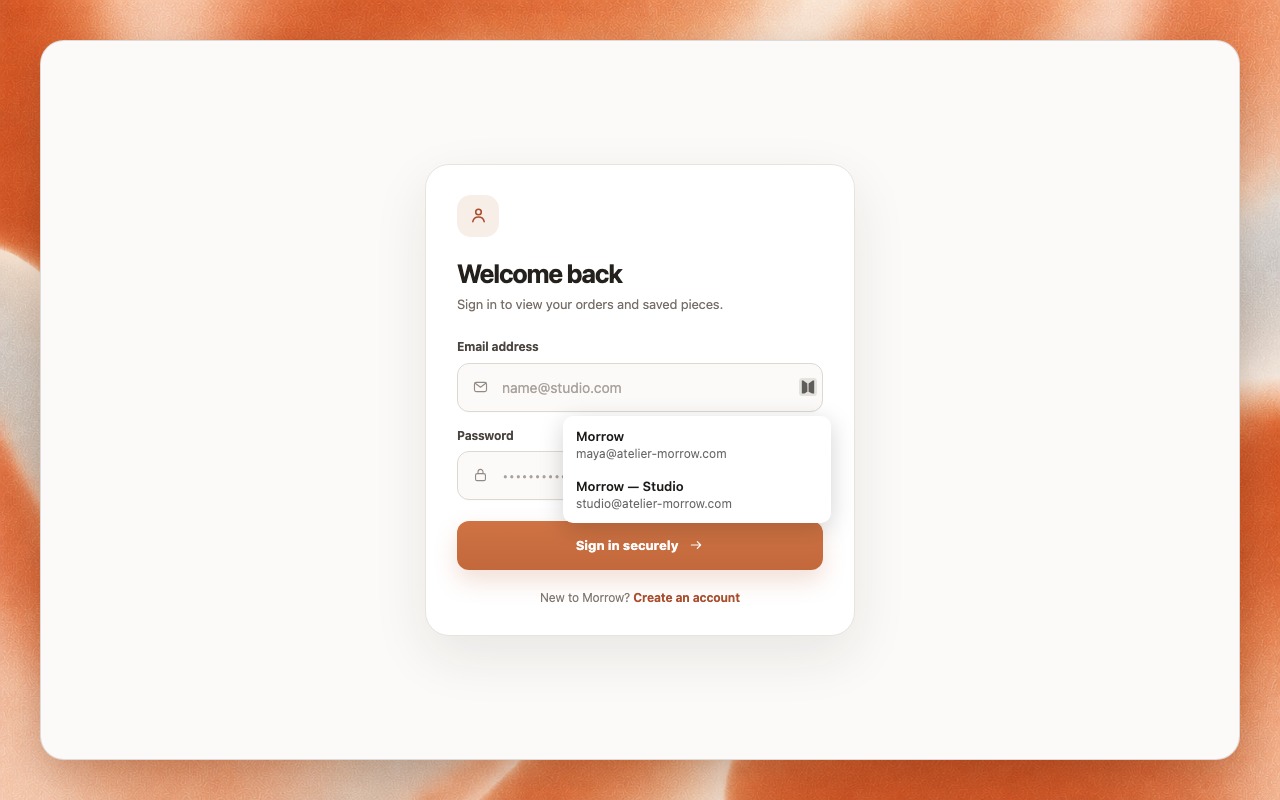
Fill in one click. A small menu in the login field shows the accounts you saved for that site. Nothing is filled until you choose one.
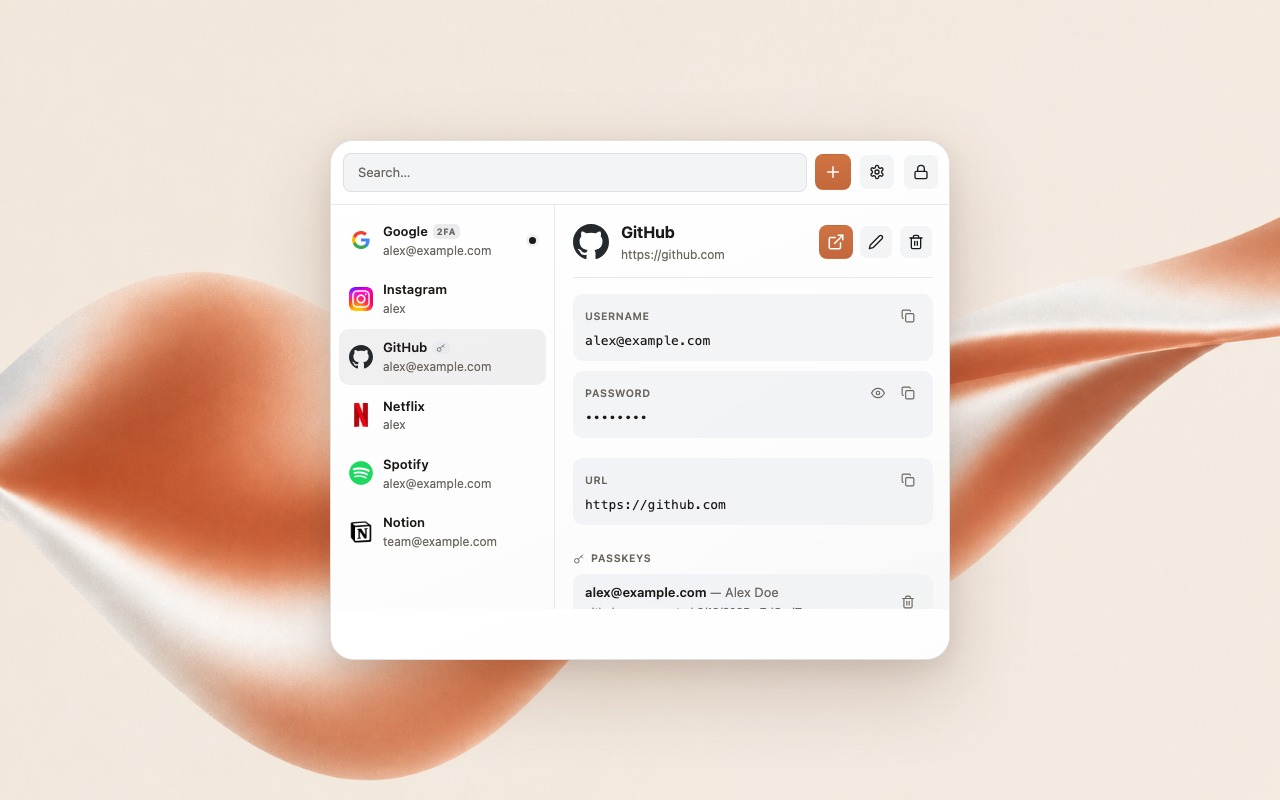
Passkeys, stored on your device. Create and use passkeys next to your passwords. They never leave your device unless you decide to export them.
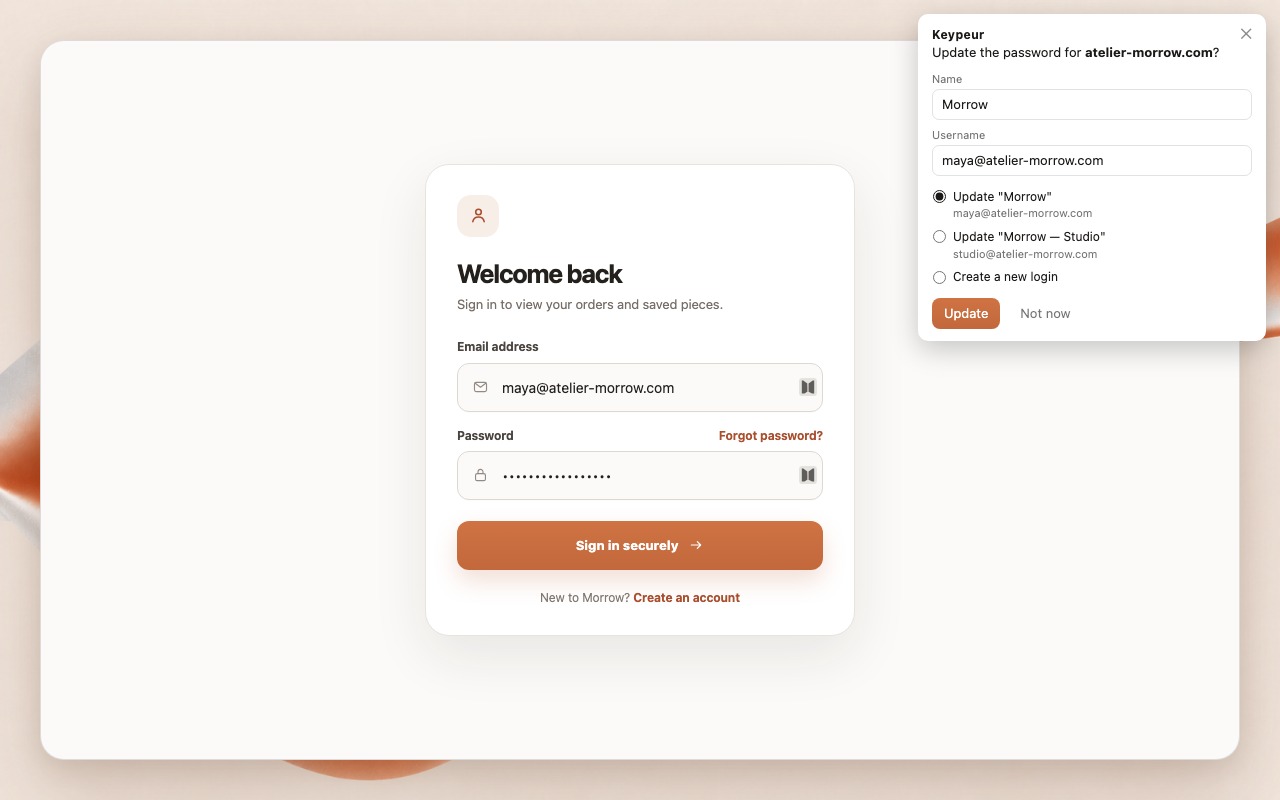
Save or update: you decide. Edit the name and username, update an existing login or create a new one. Nothing is written until you confirm.
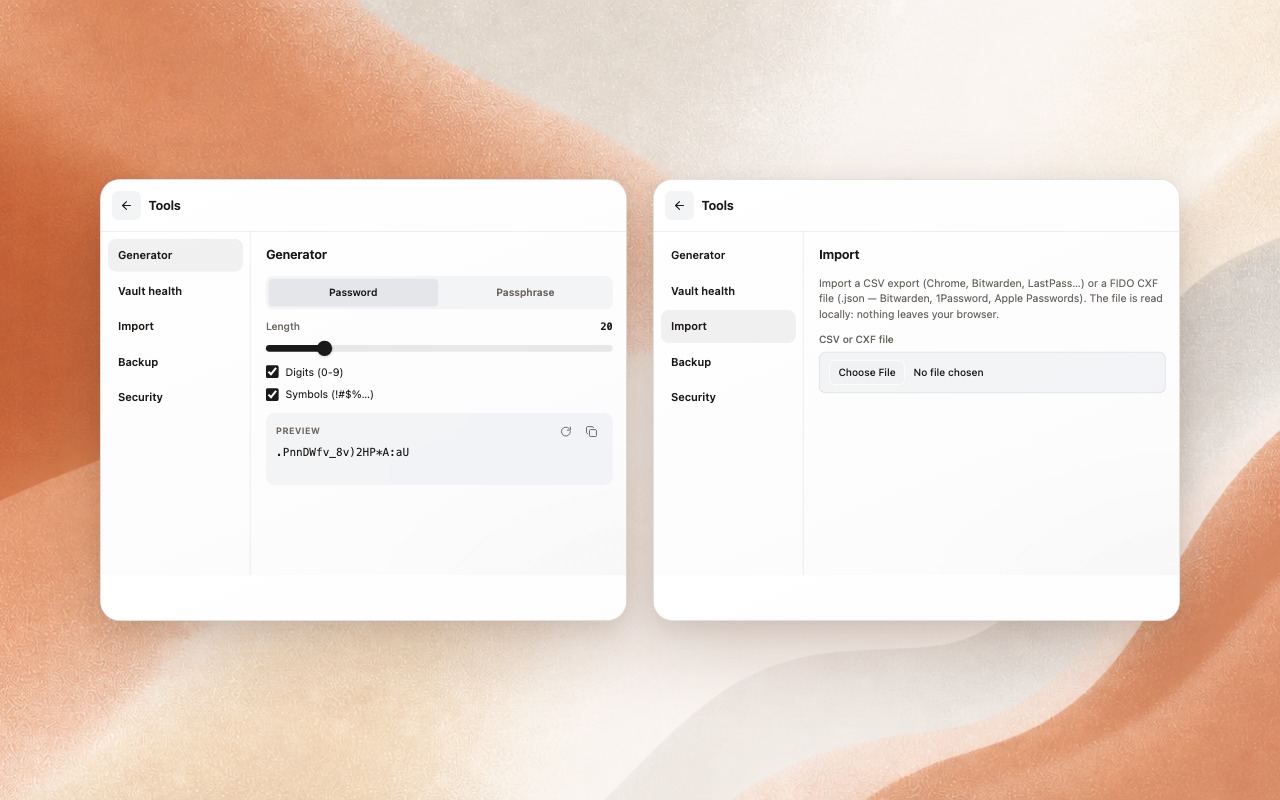
Generator and import, fully offline. Create strong passwords or passphrases, and import your CSV or FIDO CXF files without uploading anything.
One vault for everything you sign in with.
Sign in without typing a password, from the same encrypted vault.
Add a site's two-step verification by scanning its QR code, then fill the 6-digit code along with the rest.
Reopen your vault with Touch ID or Windows Hello, if you turn it on. No biometric data ever passes through the extension.
Bring your logins from Chrome, Bitwarden, LastPass, 1Password or Apple Passwords in a few clicks. Everything is read on your device.
Click a saved login and Keypeur opens the site, fills your details and signs you in.
Your vault locks itself after a period of inactivity and whenever the browser closes. Copied secrets auto-clear from the clipboard.
Local-only means: you hold the only key. Your master password is not recoverable and your vault exists only on your device. Export an encrypted backup regularly. The extension will remind you.
Keypeur is on the Chrome Web Store. A question, an idea?